


 | Click here to download SMS Live and follow below guidance to install SMS Live . |
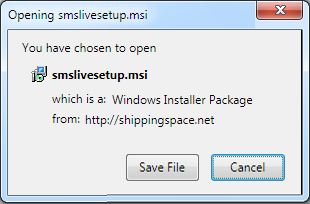 | 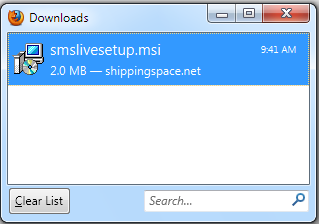 | ||
| 1.Save the SMS Live application | 2.Open the SMS Live installer | ||
| Click "Save File" when prompted | |||
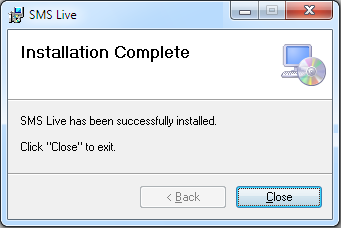 | 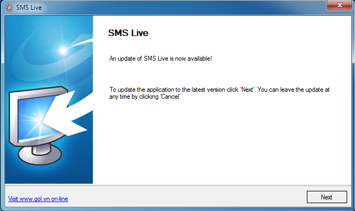 | ||
| 3.Follow Set up instruction | 4. Final step | ||
| Follow the instructions to get SMS Live set up on your computer . | Click to SMS Live icon on desktop to start full instalation. You need to do this step only 1st time. | ||
How to install the software SMS Live: o Download set up file from above link (FileSMSLiveSetup.msi) o After downloading, click to the file SMSLiveSetup.msi, the installation process starts immediately. o Click to icon SMSLive on your desktop & wait for few minutes until finishing installtion. Before installation SMS Live, make sure your computer meets the following minimum hardware requirements: o 1 Gigahertz(GHz) or higher microprocessor recommended. o 2 Gigahertz(GHz) of RAM or higher recommended. o 850 Megabytes(MB) of available hard disk space. o 1028x768 orhigher resolution monitor. o Keyboard. o Mouse. o Stable Internetconnection.
Software requirements: In order to run SMS Live, your computer needs to be provided: o Operation System Windows XP SP3 up or higher. o Microsoft.Net Framework 4.0 (download here) o Microsoft Report Viewer 2010 Redistributable Package to print out documents (download here) o PDF Reader o Report Builder 2.0 (if you want to self-change reports format). | |||